

Creating professional visuals can take more time than expected, especially when you need multiple designs for social media, advertisements, presentations or marketing campaigns. Not everyone has the skills to work with advanced graphic design software, and hiring a designer for every small creative task may not fit the budget. This is where the Adobe Firefly Mod APK becomes a useful option for people who want to create and edit visual content with the help of artificial intelligence.
Adobe Firefly brings AI-powered creative tools into the Adobe ecosystem. It allows users to generate images from written descriptions, modify existing visuals and explore different creative directions without building every element manually. Whether you are a beginner, content creator or professional designer, the platform offers several ways to turn ideas into visual content.
Create Visuals by Describing Your Ideas
One of the most useful features of Adobe Firefly is text-to-image generation. Instead of searching through stock photo libraries or creating an entire composition from scratch, users can describe the image they want and let the AI produce visual options.
For instance, a social media manager preparing a campaign for a skincare brand could enter a prompt describing a minimal product arrangement, soft lighting, a neutral background and a premium advertising style. Firefly can use those instructions to generate different visual concepts.
The quality of the output depends heavily on the description. A prompt such as “beautiful product image” gives the AI very little direction. A more detailed description covering the subject, background, lighting, composition and artistic style usually provides a better starting point. Users can refine their prompts and explore different variations until they find a result that suits the project.
Features That Make Adobe Firefly Useful
The platform offers more than basic image generation. Its creative tools support different stages of visual production.
Text to Image
This feature converts written prompts into images. Users can describe realistic photography, illustrations, digital artwork or advertising concepts. It is particularly helpful when a specific visual is difficult to find in existing image libraries.
Generative Fill
Generative Fill allows users to modify selected areas of an image using text instructions. A designer might remove an unwanted object, replace part of a background or add a new visual element without rebuilding the complete composition.
This can save time during image editing, although the generated area may require additional adjustments to match the original lighting and perspective.
Generative Expand
Sometimes an image looks good but does not have the correct dimensions for its intended platform. Generative Expand helps extend an image beyond its original boundaries by generating additional visual content.
This can be useful when adapting a portrait photograph for a landscape banner or creating more space around a subject for advertising text.
Text Effects
Firefly can also generate decorative text treatments using written descriptions. Designers can explore different textures and visual effects for headings, promotional graphics and creative artwork.
These effects are useful for concept development, although final typography may still need adjustment in a dedicated design application.
Generative Video
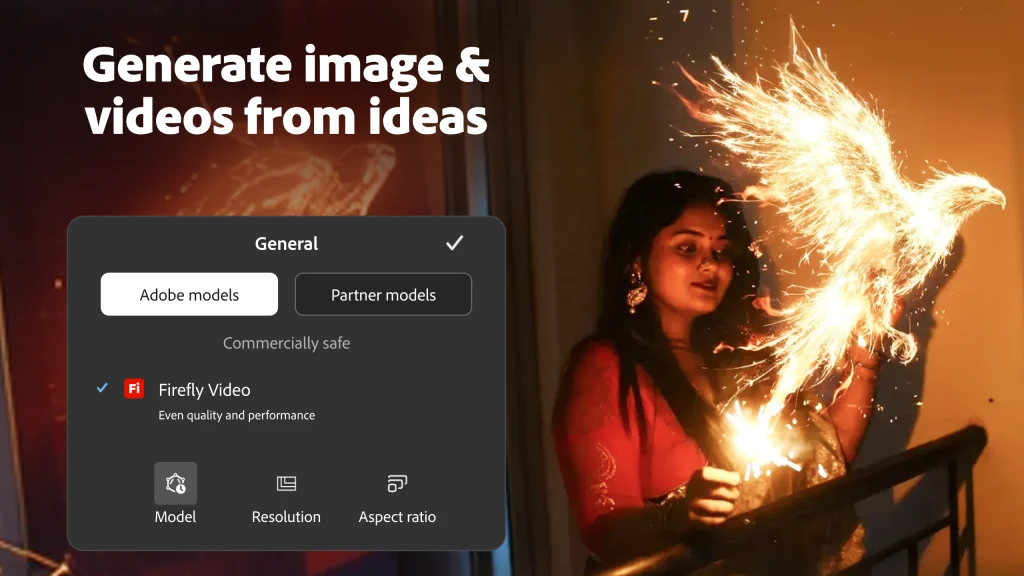
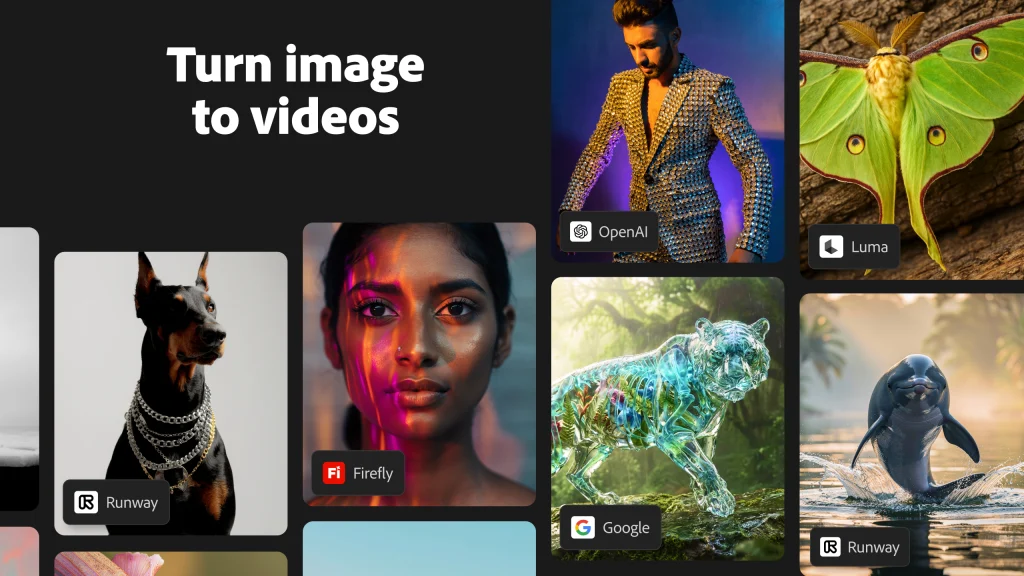
Adobe has also introduced AI video generation capabilities within its Firefly creative tools. Depending on the available model and access level, users can create video clips from text descriptions or images. This opens additional possibilities for short promotional content, visual storytelling and creative experiments.
How to Get Started With Adobe Firefly
Getting started does not require advanced graphic design knowledge. Users can access Adobe Firefly through its official website and sign in with an Adobe account. The general process is straightforward:
- Visit the official Adobe Firefly website.
- Sign in using an Adobe account.
- Select an available AI generation or editing tool.
- Enter a detailed prompt describing the desired result.
- Adjust available settings such as visual style, aspect ratio or other generation options.
- Generate the visual and review the available variations.
- Refine the prompt or edit the result before downloading or using it.
Some tools may require credits or a paid subscription. Availability also depends on the user’s location, account type and Adobe’s current product offering.
Who Can Benefit From This AI Generator?
Adobe Firefly can support different types of creative work, particularly when visual content needs to be produced regularly.
Social media managers: They can develop campaign backgrounds, promotional graphics and creative concepts for different platforms. This is useful when a business needs several visual directions before selecting a final design.
Small business owners: Businesses without an in-house design team can explore product visuals, advertising concepts and branded content. However, important brand elements should still be reviewed before publication.
Graphic designers: Professional designers can use AI-generated images as starting points for layouts, mood boards and creative experiments. Firefly can assist with repetitive editing tasks while leaving final design decisions to the designer.
Content creators: Bloggers, YouTubers and digital publishers can develop supporting visuals, thumbnails and illustrations that match their content themes.
Marketing agencies: Agencies can use AI generation to explore campaign concepts and prepare visual directions for client discussions.
Adobe Firefly vs Traditional Graphic Design Software
Adobe Firefly and traditional design applications serve different purposes. Firefly focuses on AI-assisted creation and editing, while applications such as Photoshop and Illustrator provide detailed control over visual elements.
For instance, if a marketer needs an original background for a promotional campaign, Firefly can generate several concepts quickly. However, creating a polished advertisement with precise brand colours, typography, product positioning and alignment may still require Photoshop or Illustrator.
The two approaches can work together. A designer might generate an initial background in Firefly, refine the image in Photoshop and complete the final layout using established design tools.
This makes Firefly particularly useful as part of a creative workflow rather than a complete replacement for professional design software. You can also download AI Chat Mod APK.
Limitations You Should Consider Before Using It
AI-generated content is not automatically ready for professional publication. Even a detailed prompt can produce unexpected objects, inconsistent proportions or visual details that do not match the original idea.
Text inside generated images can also be unreliable. If an advertisement requires accurate product names, prices or promotional messages, it is generally better to add that information separately using a design application.
Another consideration is commercial usage. Adobe provides information about Firefly’s training approach and content usage, but users should still review the applicable licensing terms, feature-specific conditions and third-party rights before using generated assets commercially.
Businesses should also check whether generated visuals accurately represent their real products. An attractive AI-generated product image should not mislead customers about the actual appearance or features of an item.
Tips for Getting Better Results
A well-written prompt can make a noticeable difference to the creative output. Rather than describing only the main subject, provide enough context for the AI to understand the intended composition.
Consider these practical suggestions:
- Describe the subject clearly: Specify what should appear in the image and how it should look.
- Mention the environment: Include details about the background, surroundings and lighting.
- Choose a visual direction: Explain whether you want realistic photography, illustration or a particular artistic treatment.
- Specify the composition: Describe camera angles, subject placement and available negative space.
- Generate multiple variations: Compare different results instead of accepting the first output.
- Review every detail: Check proportions, backgrounds, object placement and visual consistency before publishing.
These small adjustments can help produce visuals that require fewer corrections.
Is Adobe Firefly Worth Exploring?
The Adobe Firefly AI Generator App is worth considering for anyone who regularly creates digital content and wants an additional way to develop visual ideas. Its combination of image generation, AI editing and creative tools makes it useful for designers, marketers, business owners and content creators.
However, the best results come from treating AI as a creative assistant rather than an automatic replacement for human judgment. Understanding composition, maintaining brand consistency and checking the accuracy of generated content remain essential.
If your work involves frequent visual production, exploring Adobe Firefly can help you discover new creative approaches and build a more flexible design workflow.